
Automate your recurring invoices with ease
No more forgotten invoices or repetitive manual entries. With To Bill, schedule recurring invoices for your subscriptions, maintenance contracts or regular services. Set the frequency, customise the content and let the software handle automatic sending — with QR-invoices compliant with Swiss standards.
Benefits
Why automate your recurring invoicing with To Bill
Significant time savings
Create an invoice template once and To Bill automatically generates the following invoices at your chosen frequency. No more re-entering the same information every month.
Fully customisable frequency
Monthly, quarterly, half-yearly, yearly or any custom interval: adapt the recurrence to each client and each type of service. Change the frequency at any time.
Automatic sending with QR-invoice
Each recurring invoice is automatically sent by email on the scheduled date, with a payment QR code compliant with Swiss standards. Your clients pay with a single scan.
Centralised subscription tracking
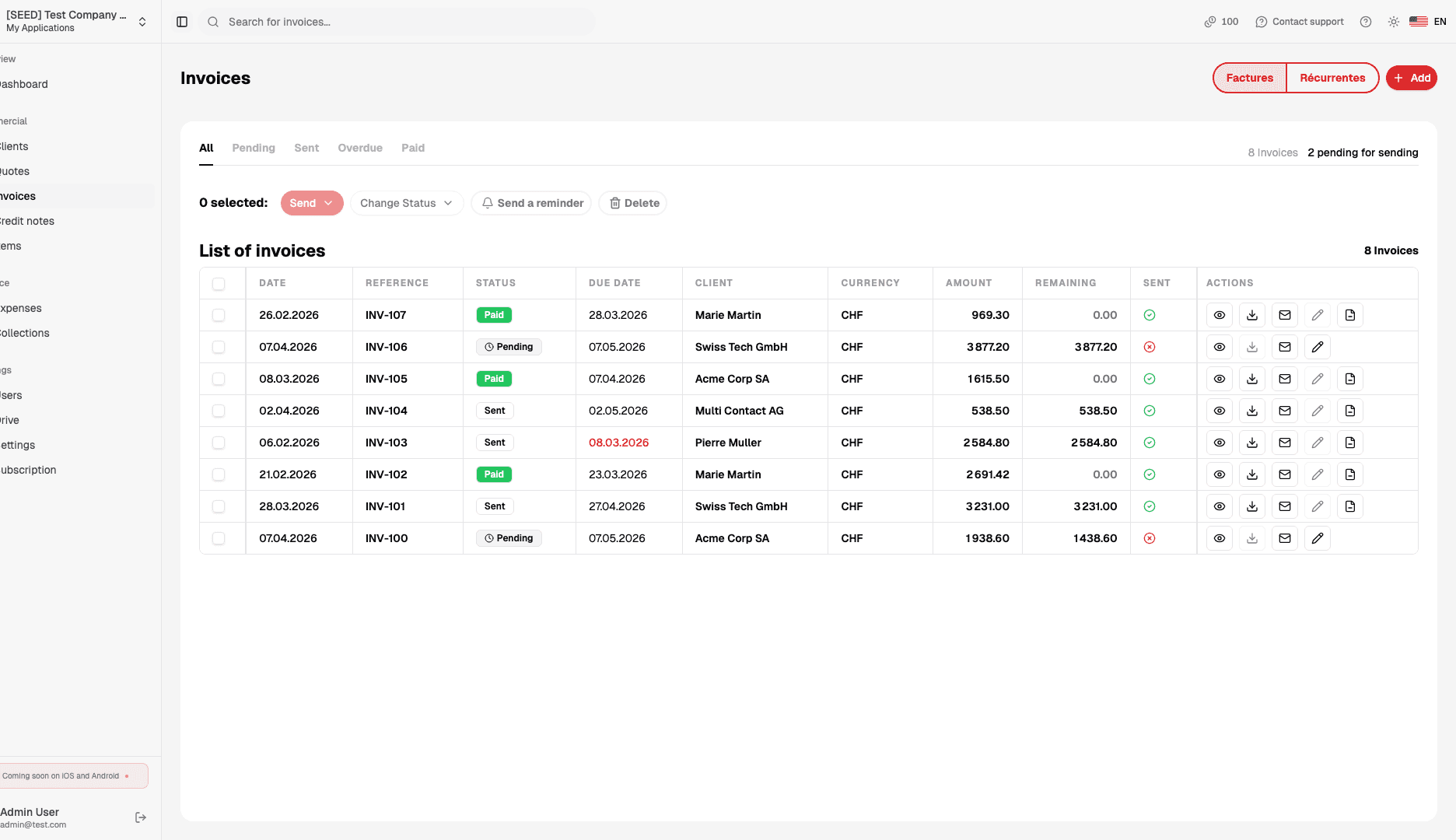
View all your active subscriptions, upcoming due dates and the history of generated invoices. Quickly identify overdue payments and take action accordingly.
How it works
How to set up a recurring invoice
Create your recurring template
Select a client, add your usual services and choose the frequency (monthly, quarterly, yearly or custom).
Enable automatic sending
At each due date, To Bill generates the invoice with QR code, sends it to the client and updates your dashboard.
Track and adjust
Change amounts or frequency, pause or cancel a recurrence in one click — full control over your subscriptions.


Resources
Useful articles
Get started
Ready to automate your recurring invoicing?
Create your account in 2 minutes and set up your first recurring invoice. Subscriptions, contracts, regular services — everything is automated. 7-day free trial.