
VAT return
Your Swiss VAT return, prepared from your books
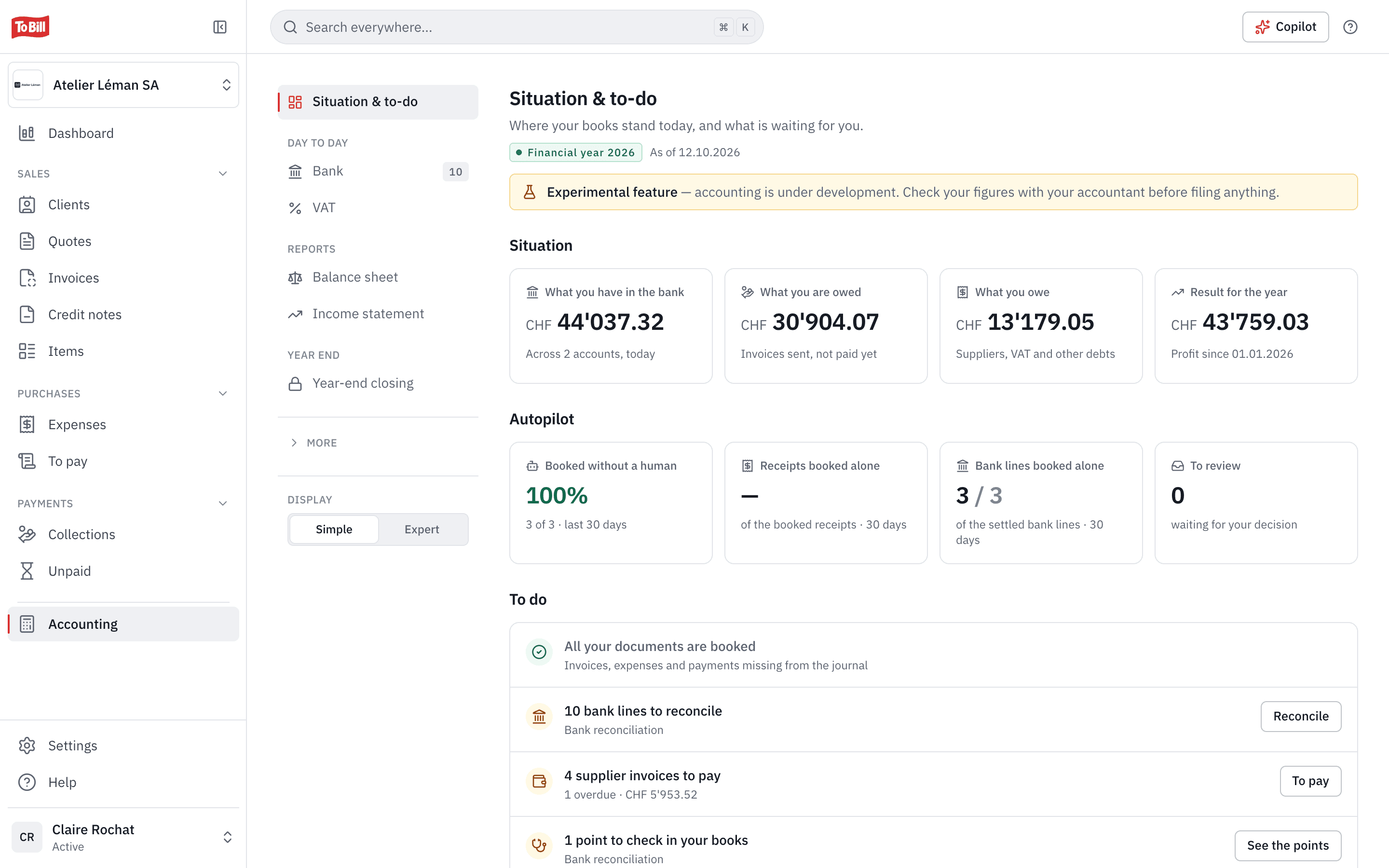
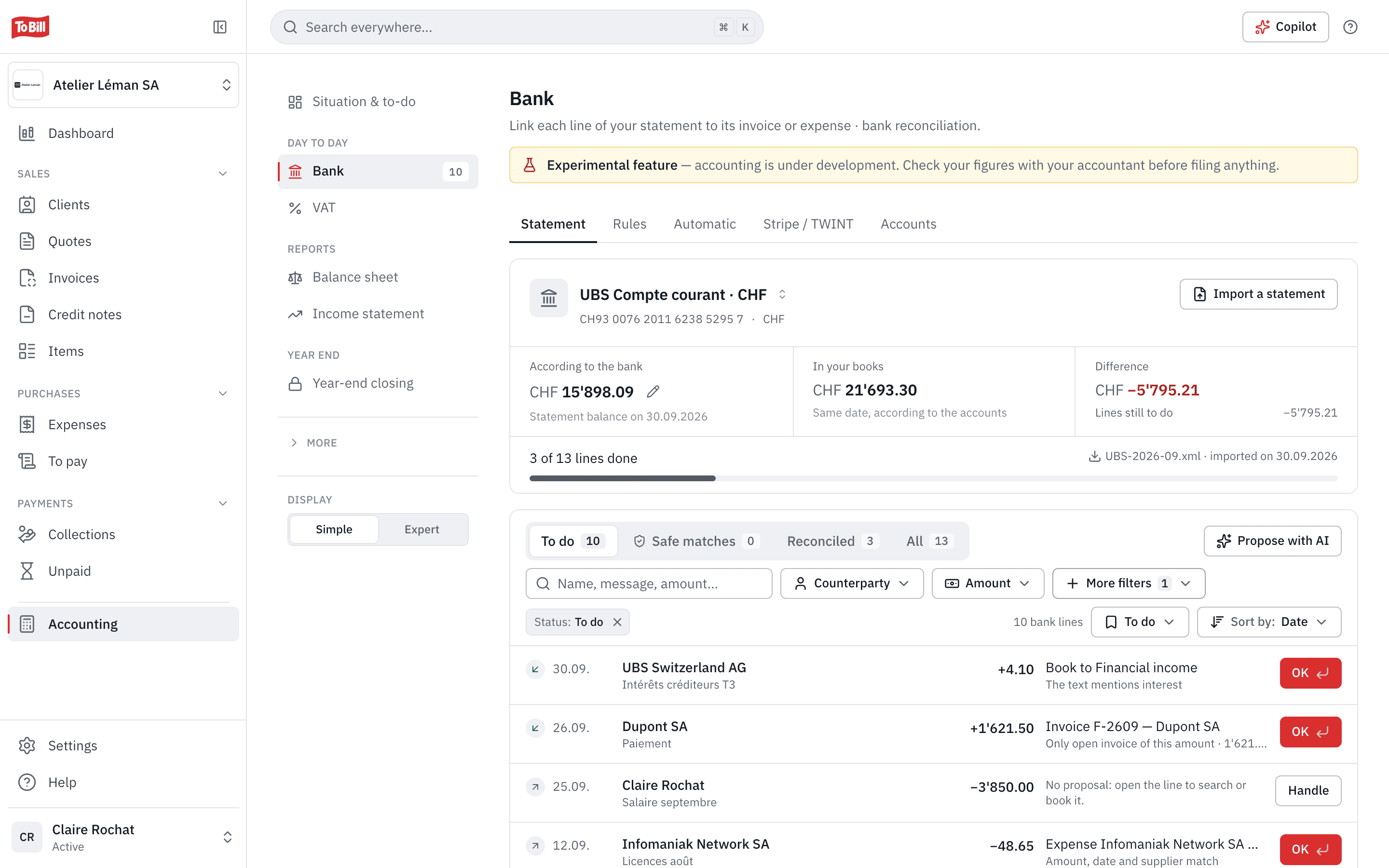
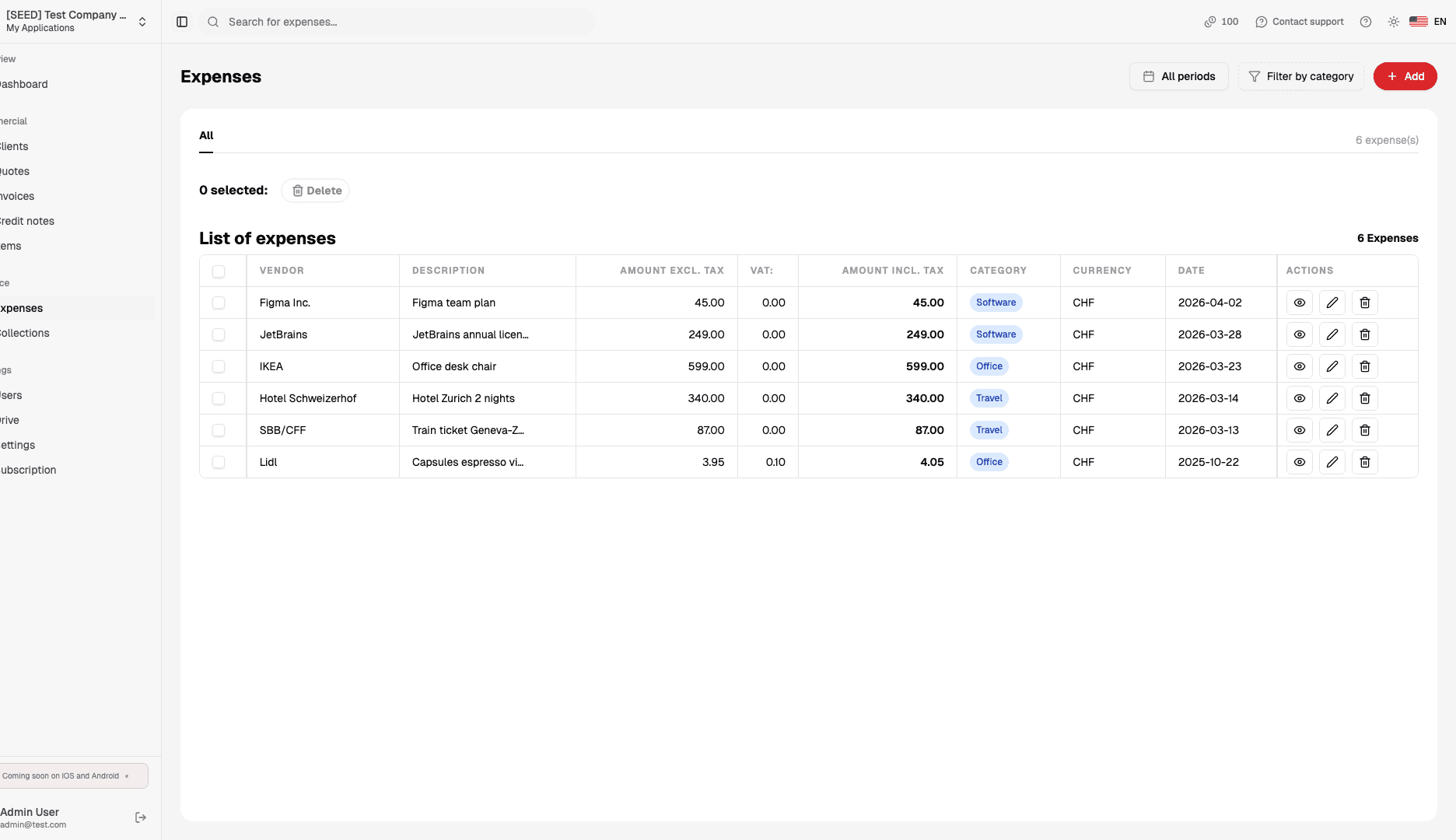
Your invoices, credit notes, expenses and entries with a VAT code are already in your books. To Bill builds the return on the form of the Swiss Federal Tax Administration (FTA), checks it, reconciles every box with its entries and creates the eCH-0217 file to import on the FTA Portal.
Included with accounting, no extra cost · No commitment
Experimental feature: accounting is still in development. Have your fiduciary review your returns before you file them.

Checks
Four steps, starting with the checks
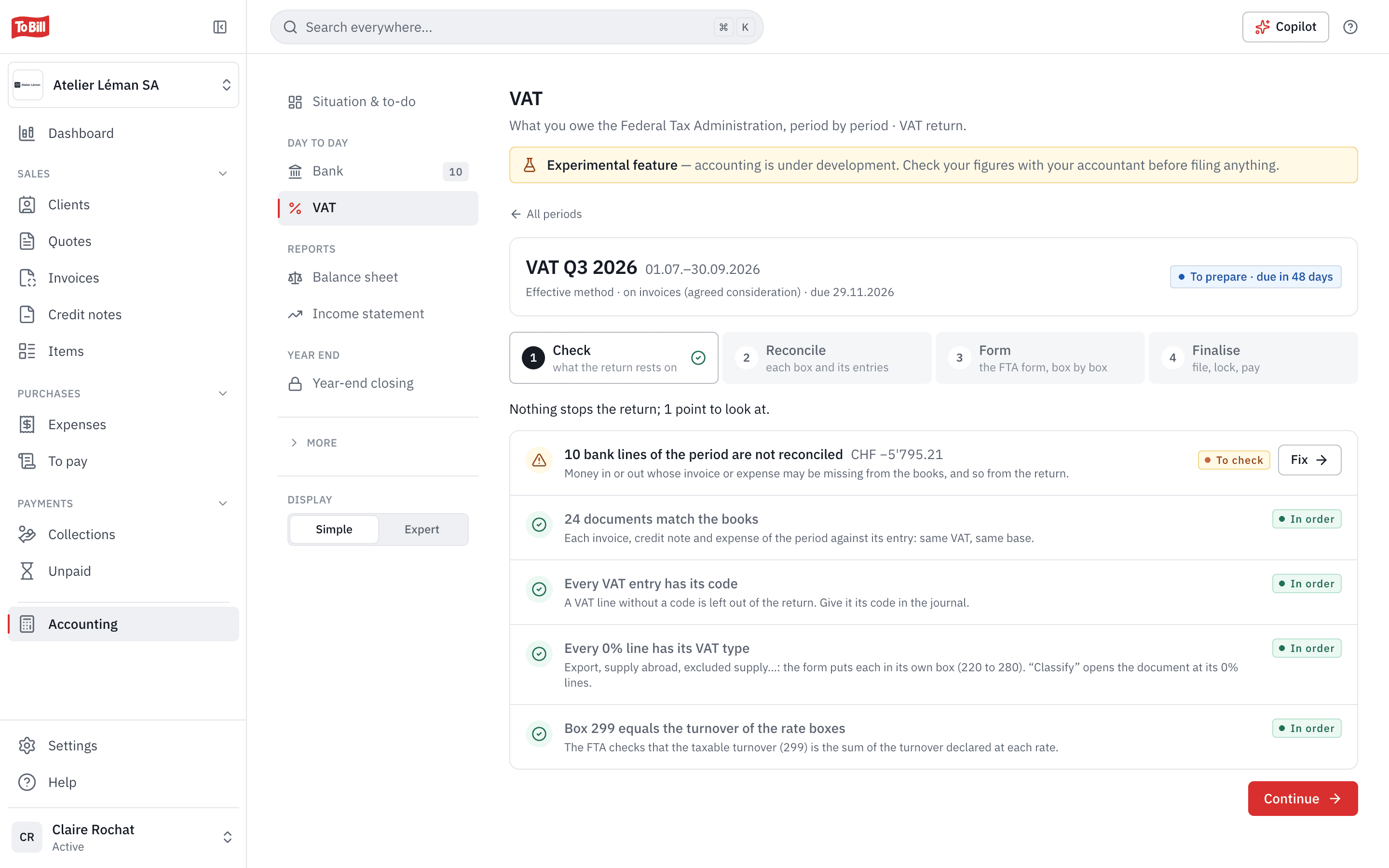
Check, Reconcile, Form, Finalise: the return moves forward step by step. The first step reviews the period and marks each point as to correct, to check, a remark or in order, with a link to what needs to change.
- Every document of the period next to its entry: same VAT, same base.
- Every 0 % line has its type: export, service abroad, notification procedure, excluded supply…
- Turnover in box 299 equals the sum of the rate boxes, as the FTA checks.
Reconciliation
Every box of the form, next to the entries behind it
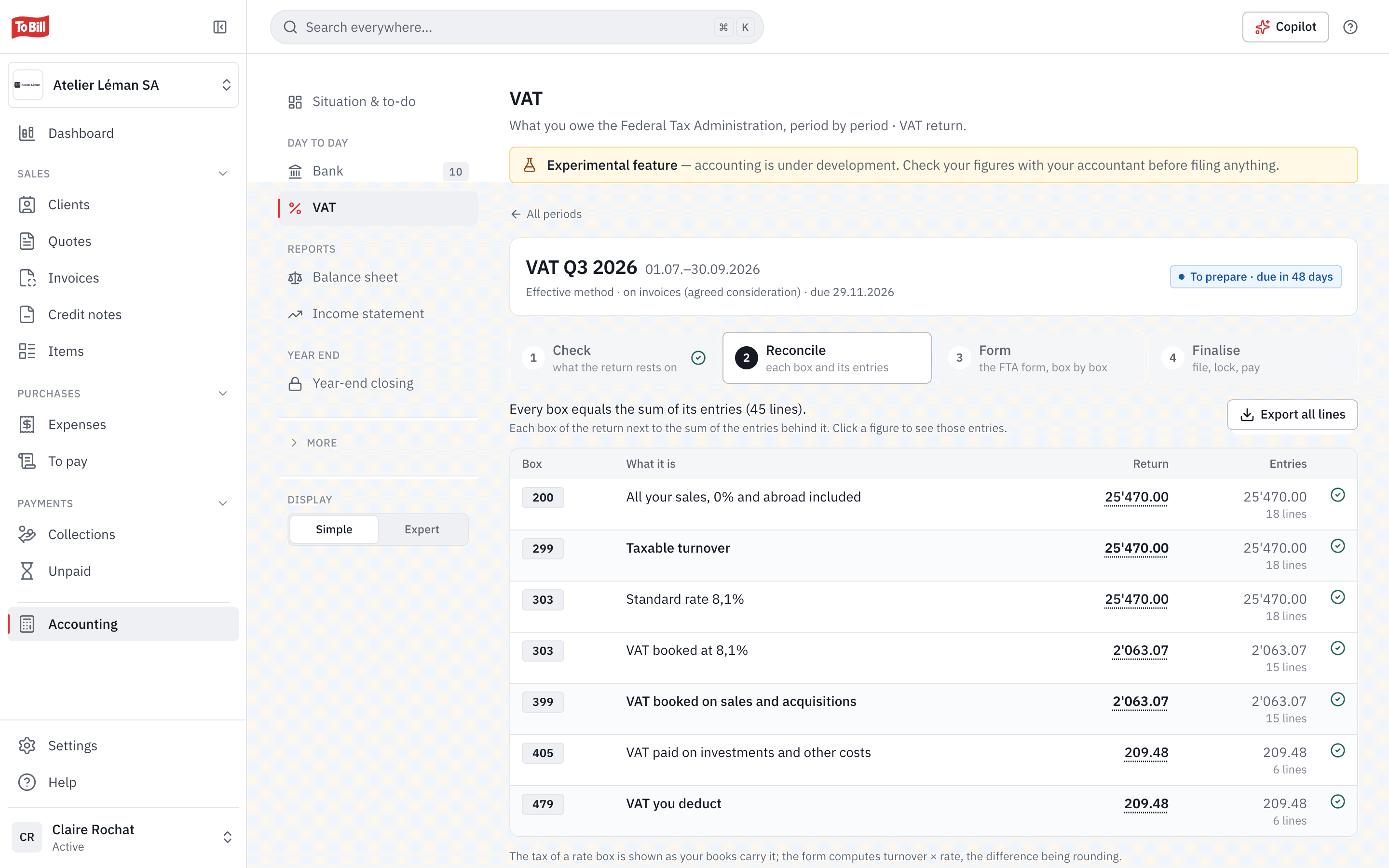
At the Reconcile step, each box of the return sits next to the sum of the entries that make it up, with a green tick when they match. Click a figure to open its entries; normally only a few cents of rounding can separate them.
- The official FTA form: 0550 for the effective method, 0536 for net tax rates, in French, German or Italian.
- Every line of the return can be exported as CSV.
- A document dated in a period already filed goes into the next return of the same year.
Methods
Effective method or net tax rates
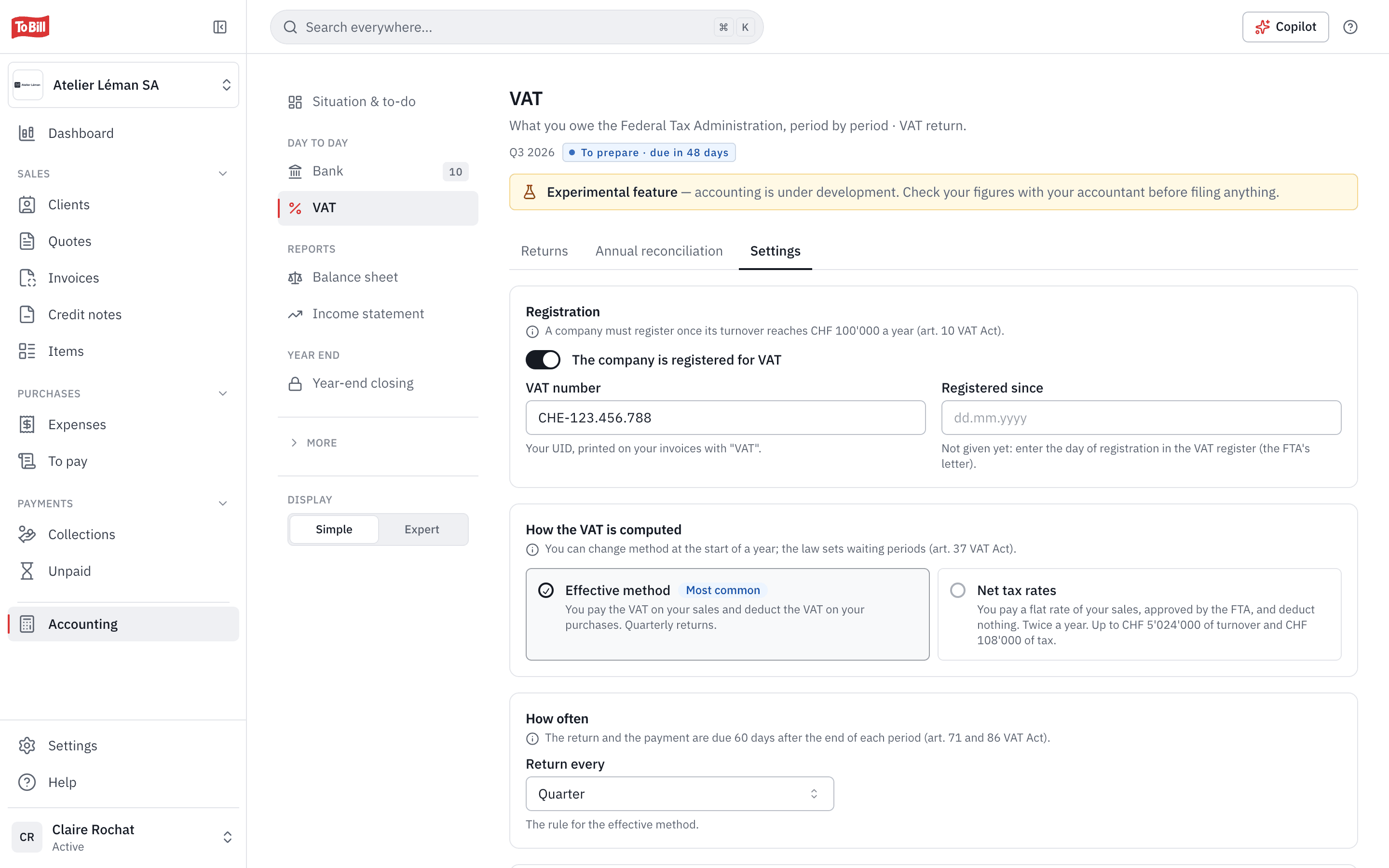
You set the method you use with the FTA: the effective method, or net tax rates, with one rate per activity. The return follows the matching frequency, quarterly or half-yearly, and every change, valid from a 1 January, stays in the history.
- VAT due on invoices issued or, if the FTA granted it, on payments received.
- Several net tax rates, each with the FTA's activity code.
- The current Swiss rates: 8.1 %, 2.6 % and 3.8 %.
FTA Portal
The eCH-0217 file, ready for the FTA Portal
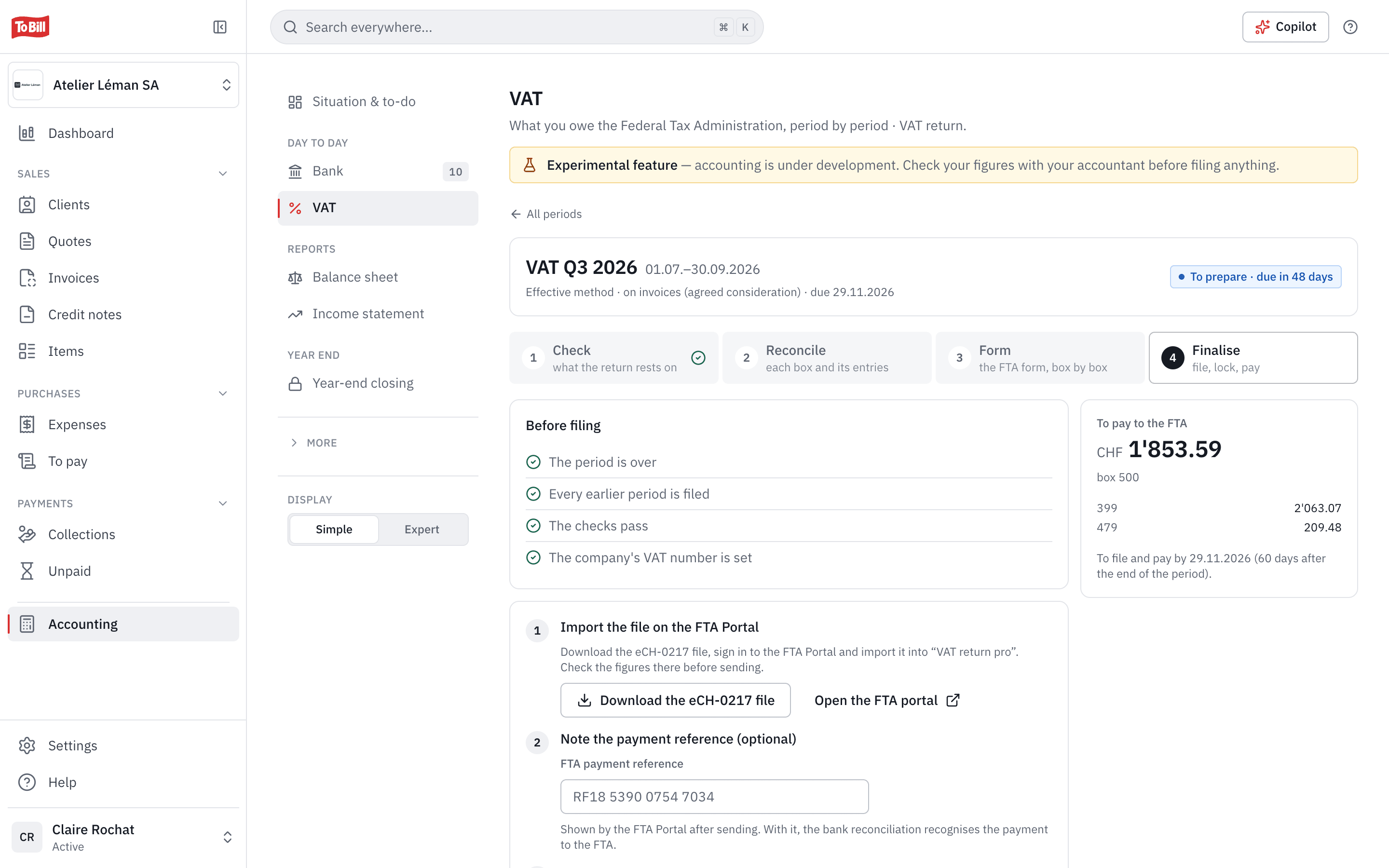
Before you file, To Bill checks that the period is over, the earlier ones are filed, the checks pass and your VAT number is set. It shows the amount to pay or to get back, then creates the eCH-0217 file you import into the VAT return service on the FTA Portal.
- The eCH-0217 standard in version 2.0.0, the only one the FTA Portal still accepts.
- Once filed, the return is frozen, the period locked and the settlement posted.
- Corrected returns up to five years back, and the annual reconciliation.
Does To Bill send my return to the FTA?
No. To Bill prepares the return and creates the eCH-0217 file; you import it yourself on the FTA Portal and pay the FTA. You then mark the return as filed in To Bill, which locks the period.
Which VAT methods are supported?
The effective method and net tax rates. The flat-rate method is not supported yet.
Do I need to turn on accounting?
Yes: the return is built from your books. Accounting is switched on at no extra cost on the subscription, in Settings › Modules.
What about acquisition tax?
A service bought from a supplier abroad is flagged in the expense. If your company is registered for VAT, the tax goes into the return; if not, To Bill tracks the CHF 10'000 yearly limit and prepares the letter to the FTA, to print and sign.
Who checks the return before it is filed?
You, and preferably your fiduciary: accounting is still experimental. Your fiduciary can also create your company's VAT file from the cockpit.
Get started
Prepare your next VAT return from your books
Turn on accounting at no extra cost on the subscription, and let To Bill reconcile every box with its entries. 7-day free trial, no commitment.
Included with accounting, no extra cost · No commitment