
Mobile app
Your invoicing in your pocket
The To Bill app, on iPhone, iPad and Android, brings your account and your data. You create quotes and invoices, send them, follow payments and photograph your receipts.
7-day free trial · Your To Bill account
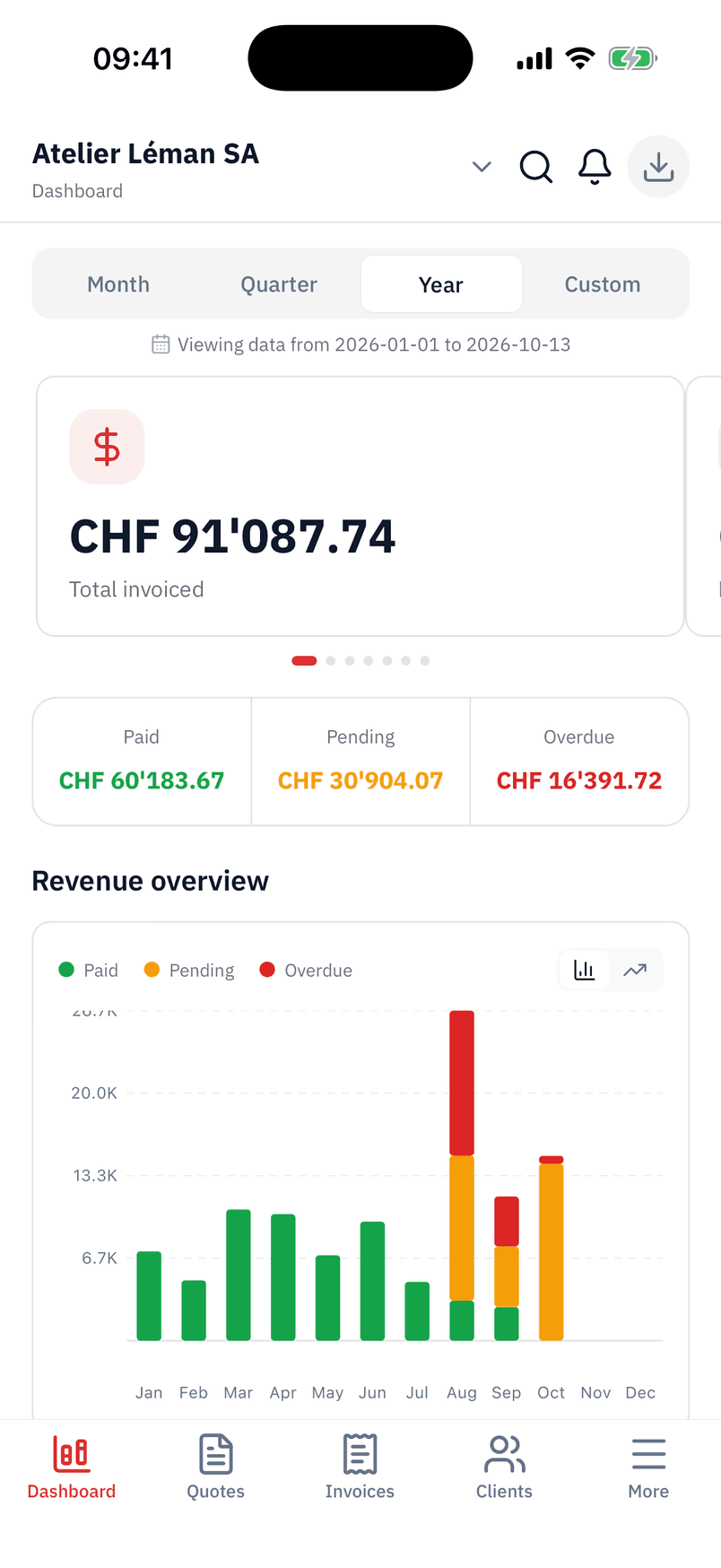
Invoices and quotes
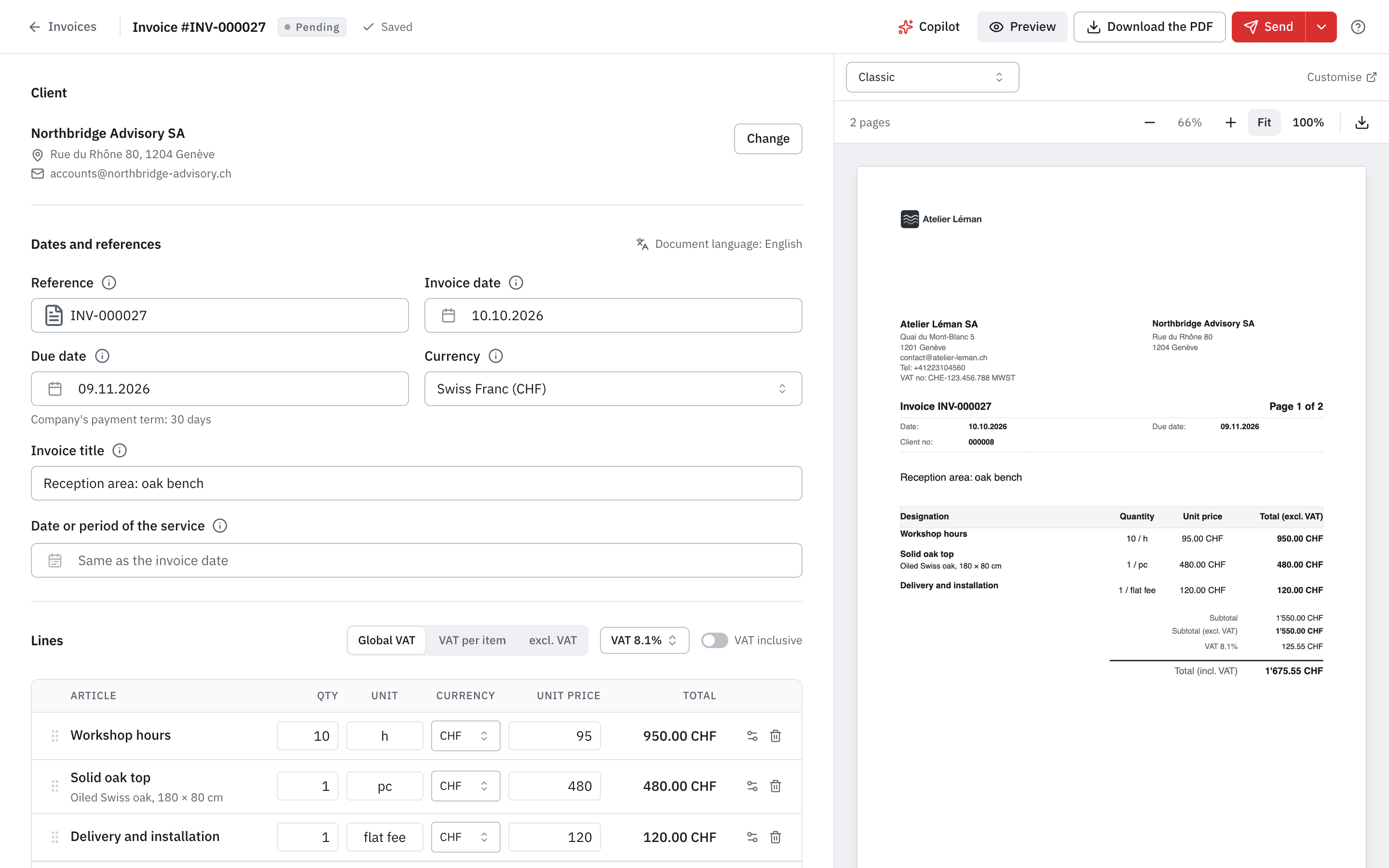
Quotes and invoices with QR-bill, from your phone
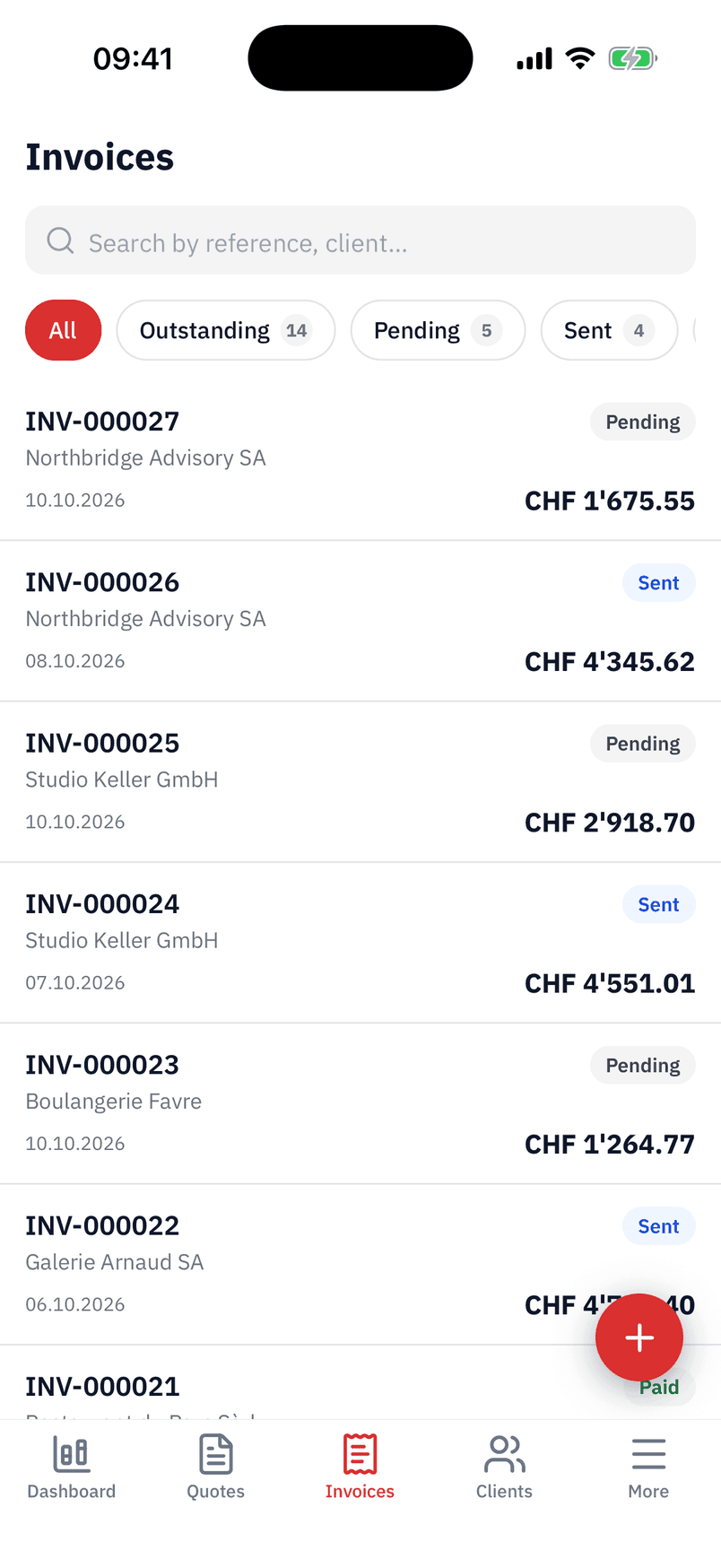
Create a quote or an invoice, with the QR-bill, and send it by e-mail from the app. Find your invoices by status: outstanding, pending, sent, paid.
- Credit notes, recurring invoices and payment in instalments.
- The Copilot, as on your computer.
- Documents in French, German, Italian or English.
Payments
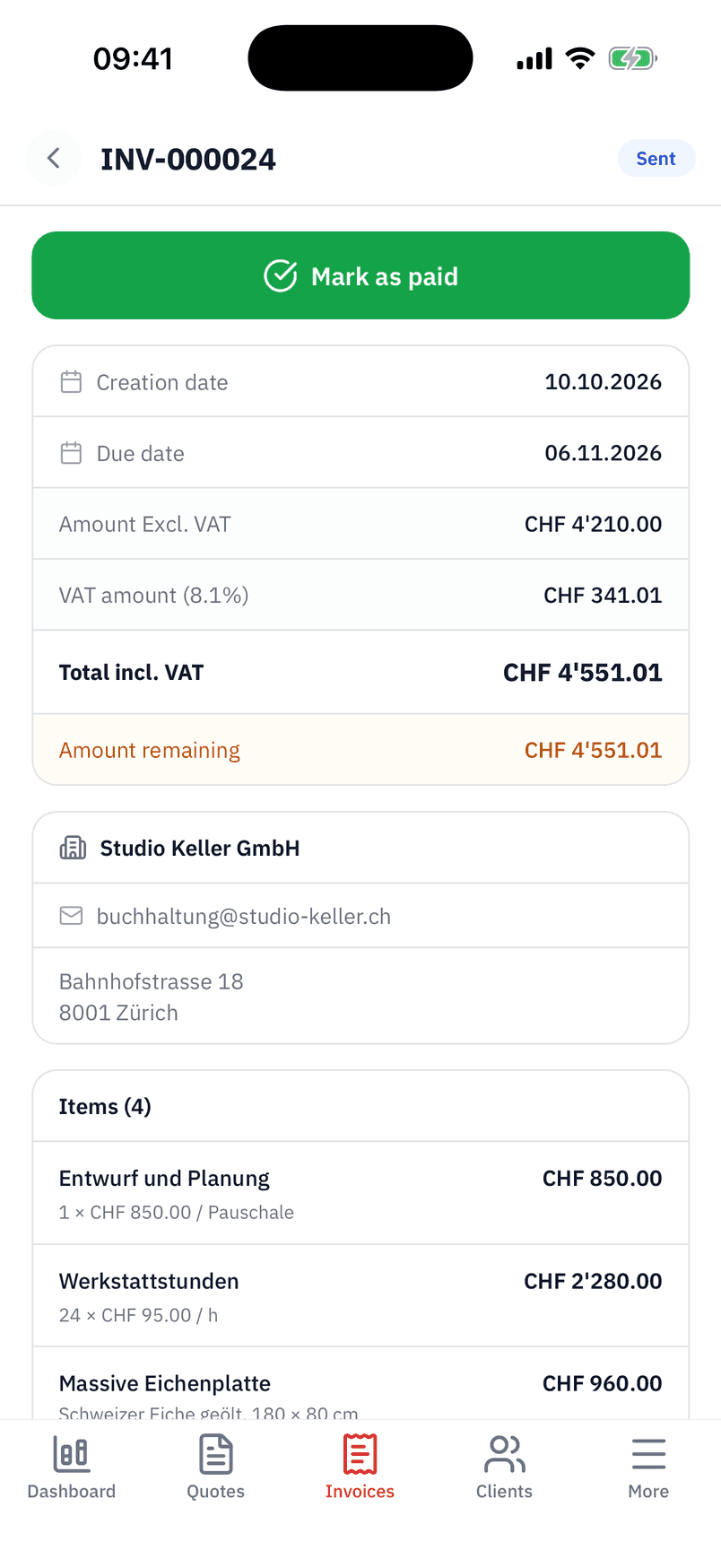
An invoice, what is left to pay and its payment
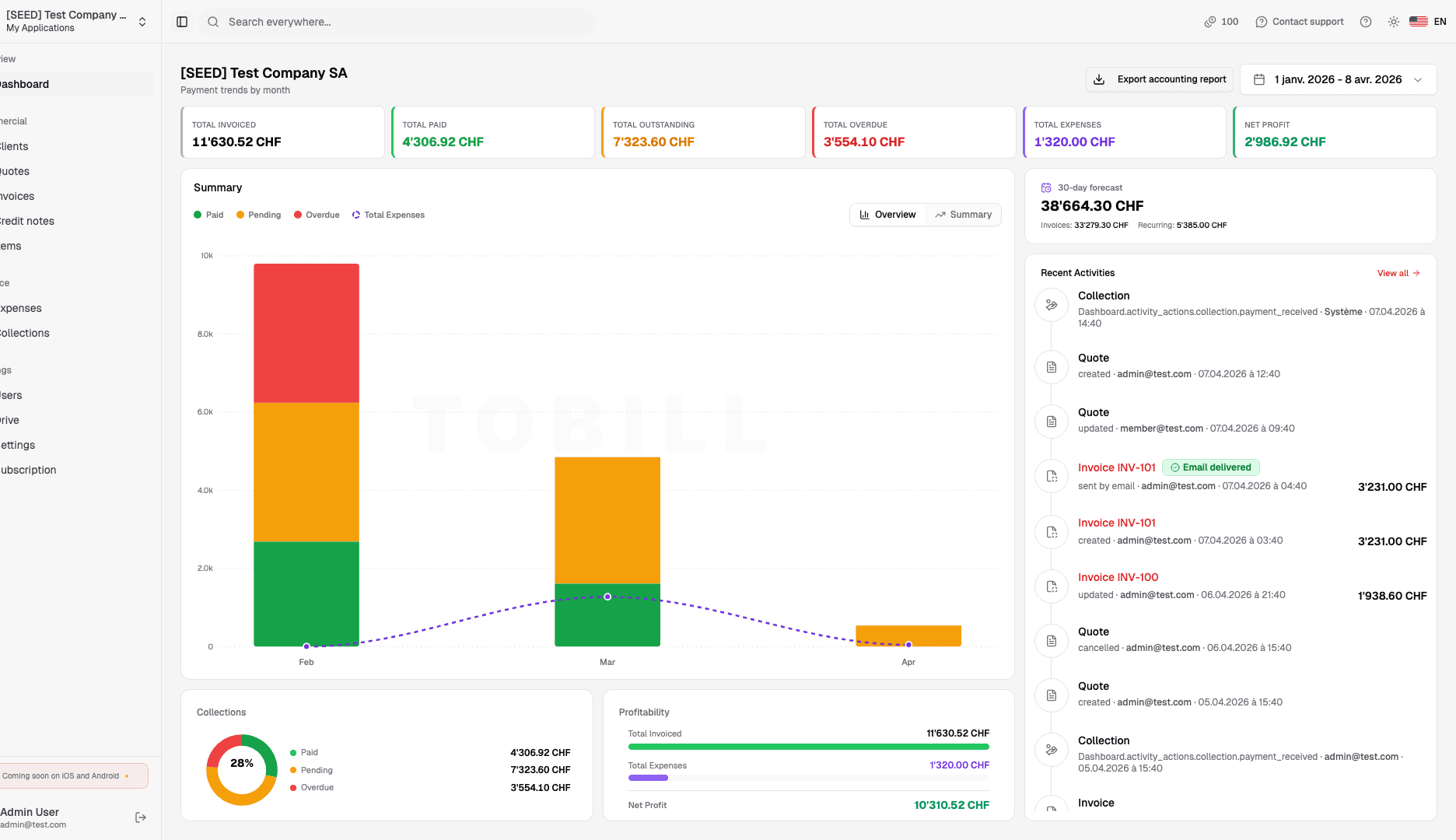
An invoice's page shows its dates, amounts, what is left to pay, the client and the items. « Mark as paid » records the payment once the money has arrived.
- Reminders are followed and sent from the app.
- The same company and the same figures as on your computer.
Expenses
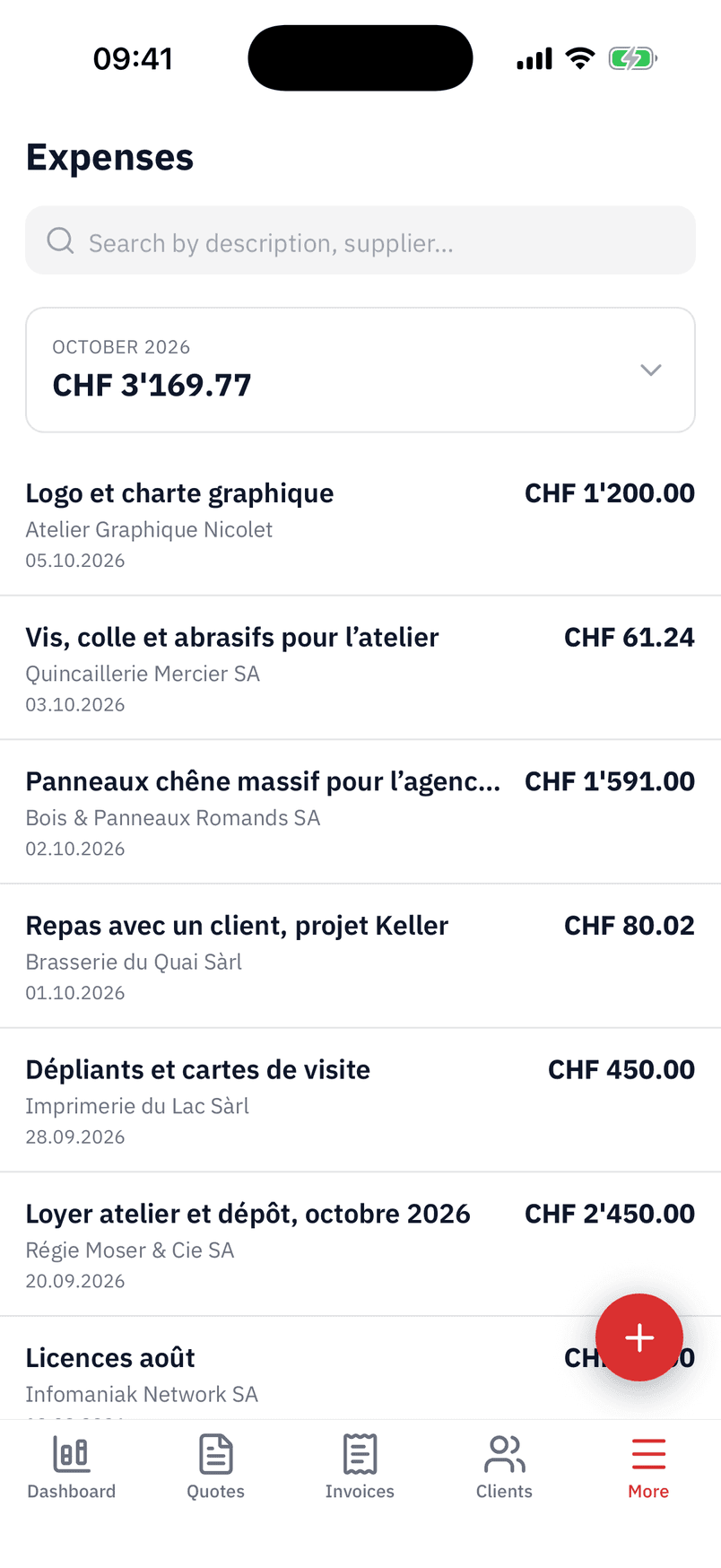
Receipts photographed, the expense filled in
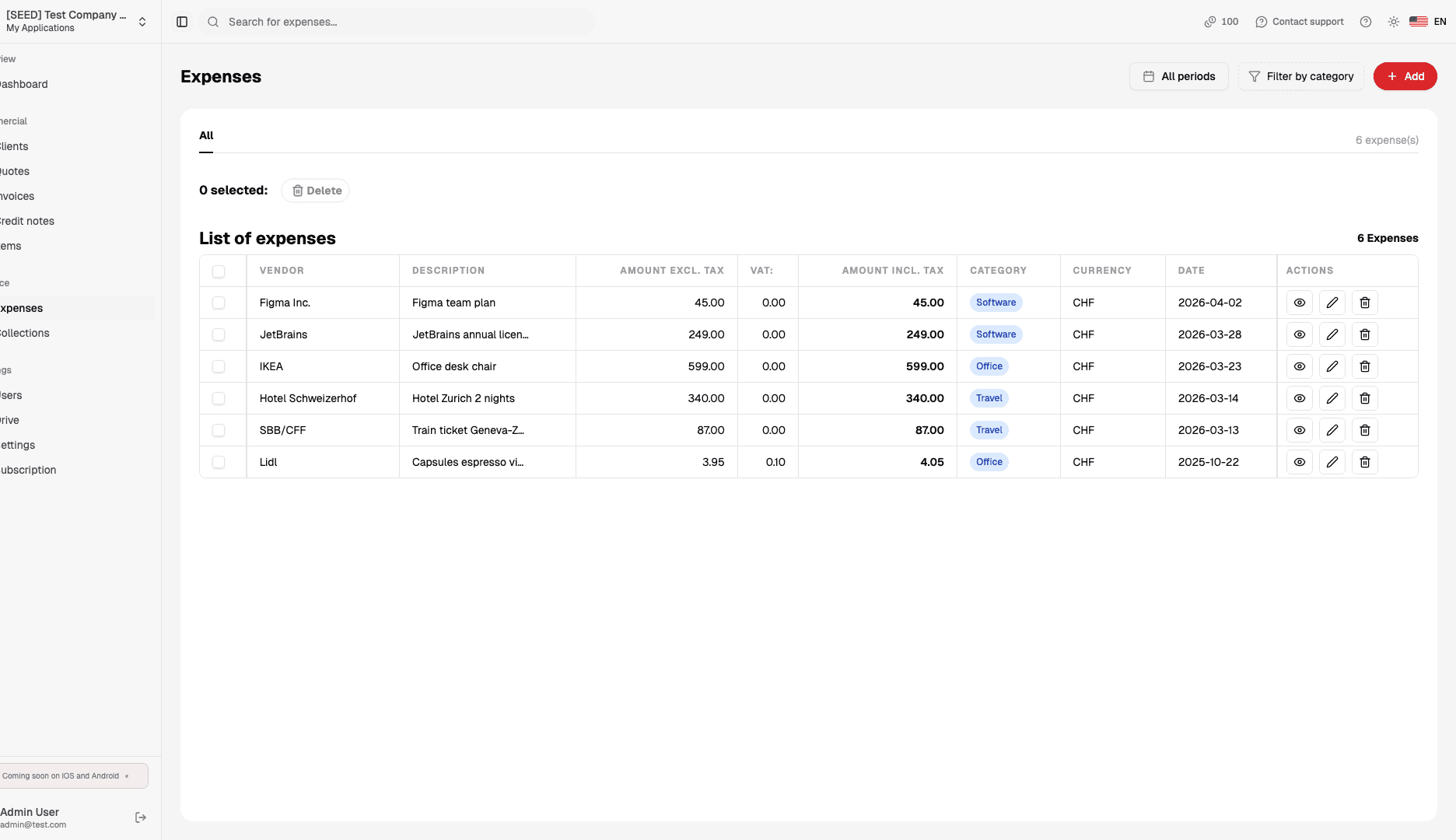
Photograph a receipt or a supplier invoice: the app detects the edges of the document, and AI reads its data if it is switched on for your company. A duplicate is flagged.
- The month's expenses and their total at a glance.
- A PDF received by e-mail is added on the computer, or dropped into « To review ».
Notifications
Told when it matters
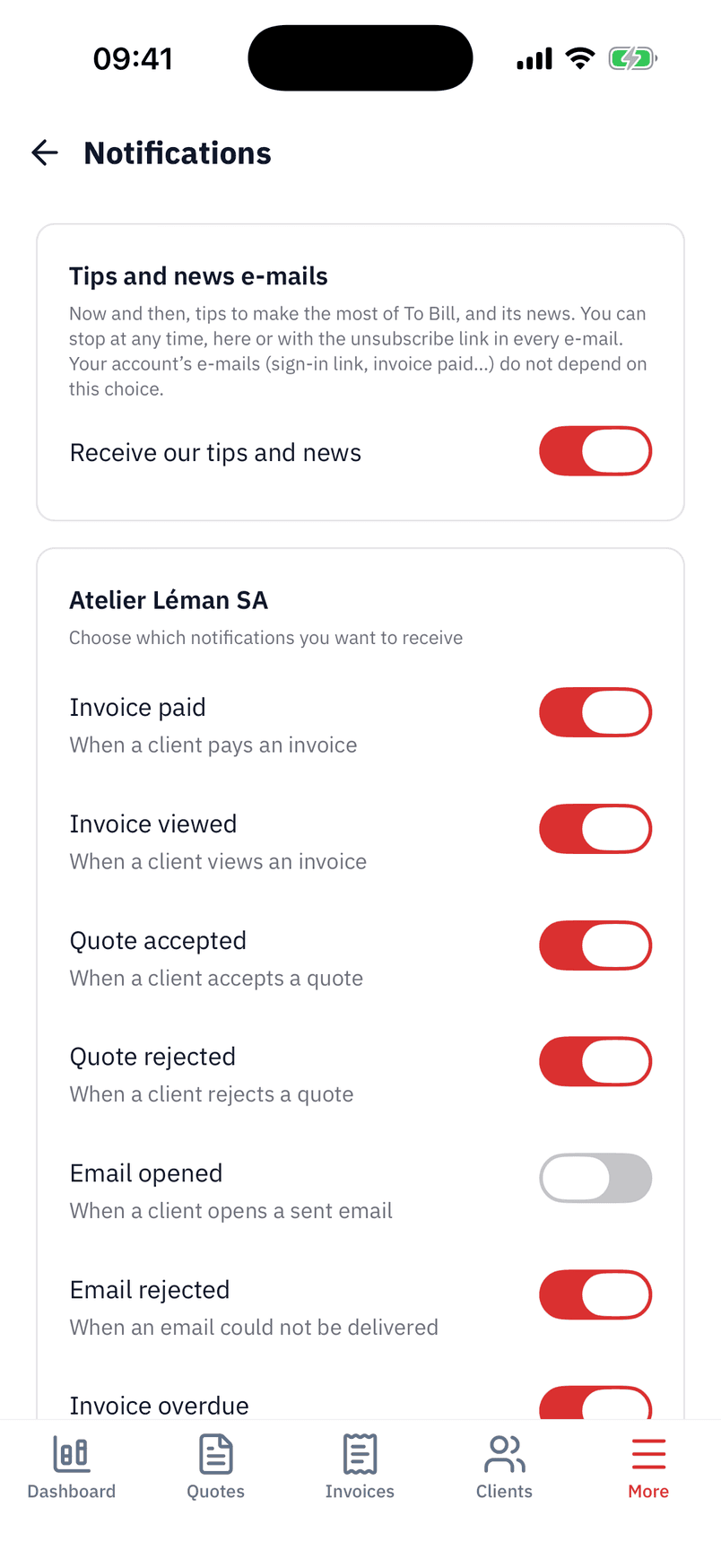
Choose, company by company, the notifications you want: invoice paid by card, invoice viewed, quote accepted or declined, e-mail opened or bounced, invoice overdue.
- « E-mail opened » is off by default.
- Your tips and news e-mails are set in the same place.

Which devices does the app run on?
iPhone and iPad (App Store) and Android (Google Play), in portrait mode. You sign in with your e-mail, with Google, or with Apple on iPhone and iPad.
Is it the same account as on my computer?
Yes. The app brings your account and your company's data: what you do on your phone is on app.tobill.ch too, and the other way round.
How do I subscribe in the app?
The trial lasts 7 days; after that, the subscription goes through the App Store or Google Play, where you manage or cancel it.
Does the app work offline?
No: the app needs an Internet connection to read and save your data.
What do I do on the computer?
Accounting (entries, VAT, closing) can be viewed in the app but is kept on the computer, like postal sending and imports.
Resources
Guides and articles
Get started
Install To Bill on your phone
Download the app, sign in with your account or create it in a few screens. 7-day free trial.
7-day free trial · Your To Bill account