
Claude and ChatGPT
Your Swiss accounting, from Claude or ChatGPT
Connect your assistant to To Bill and ask it for what you would do yourself: “Sort out my books”, “Match my bank lines”, “Draft the invoice for Boulangerie Favre”. It works in your company with your rights, asks for your approval before every change, and every correction stays in your books, under your name.
Included in the subscription · No install, no key to copy
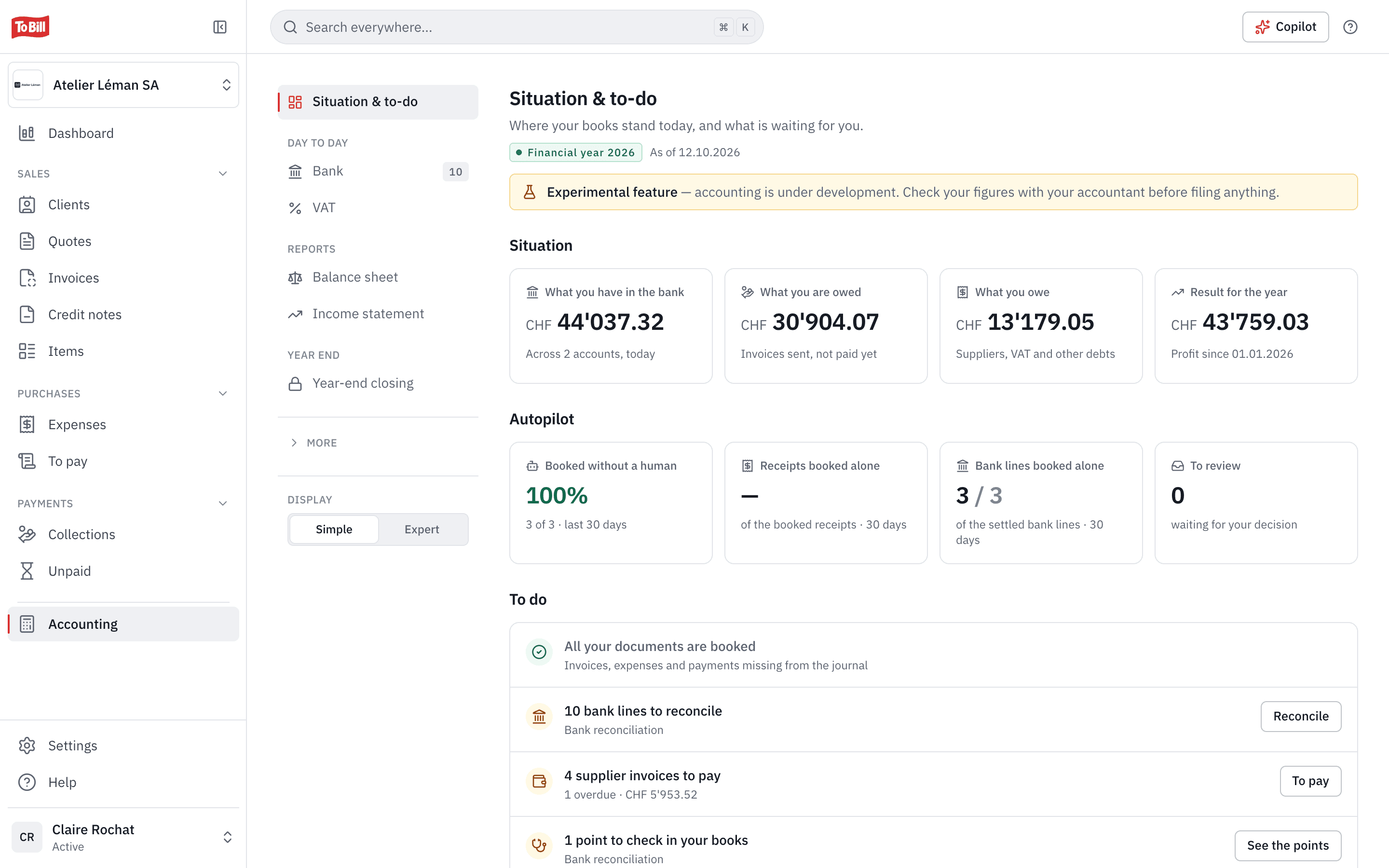
Experimental feature: accounting is still in development. Check your figures with your fiduciary before you file any return.
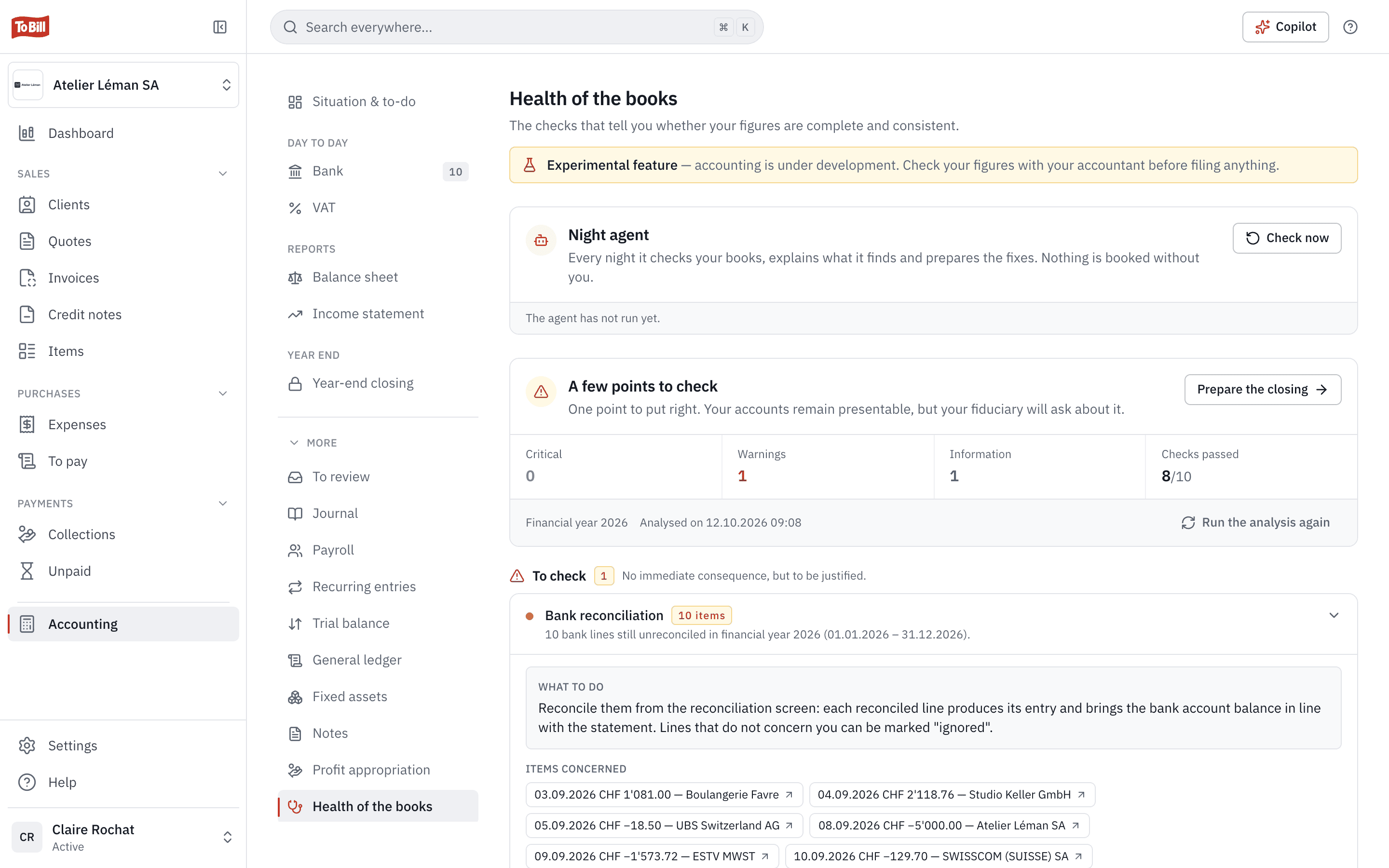
Sort it out
“Sort out my books”
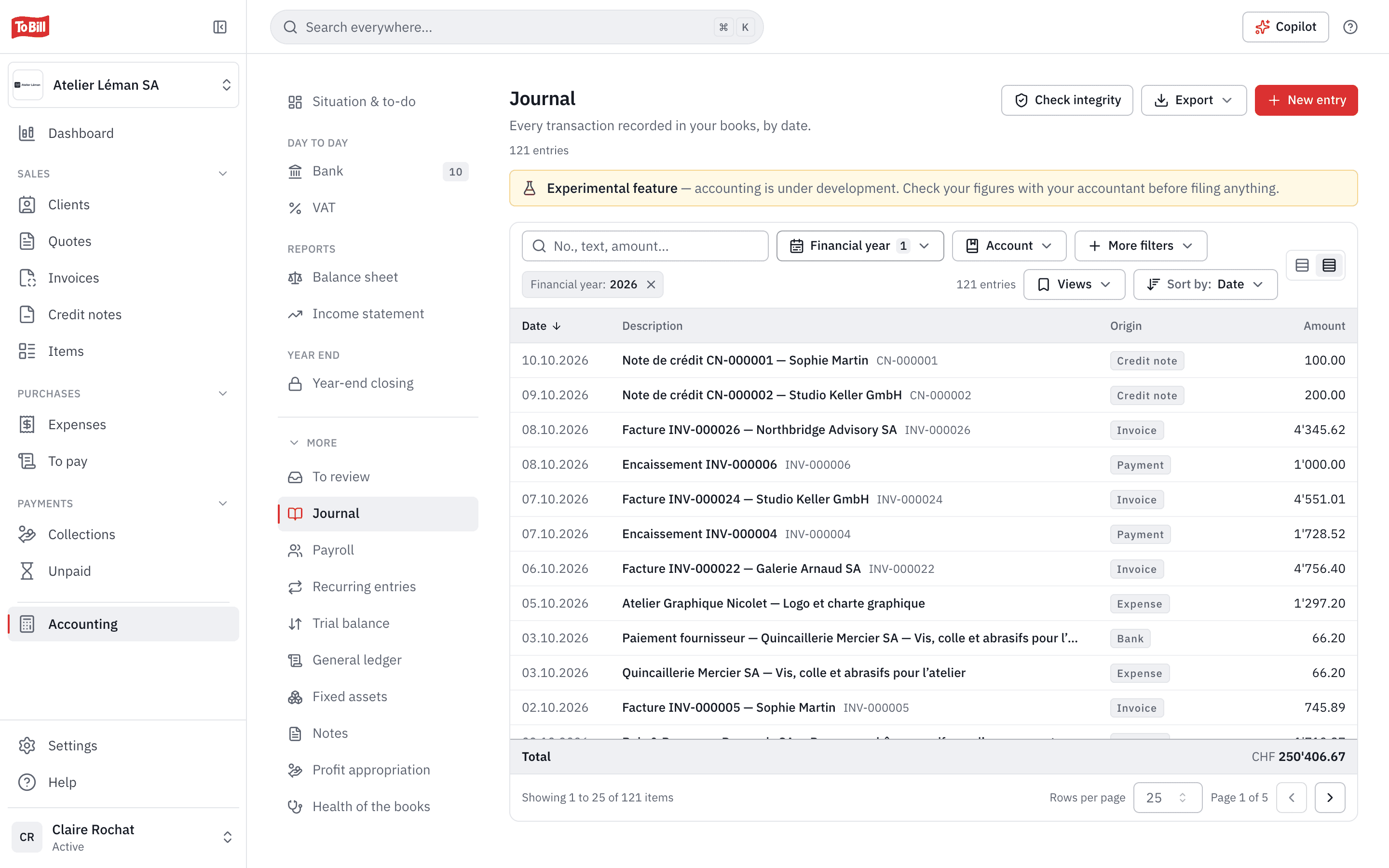
The assistant reads your books health, the journal, the general ledger and the trial balance, tells you what is wrong and proposes the corrections. With your approval, it books them by the rules: a posted entry is never edited, it is reversed, and a filed VAT period stays closed.
- To Bill gives it its bookkeeping rules: a sole proprietorship's private transactions go to account 2850, no VAT for a company not registered for it, and the bank statement is the truth.
- It corrects an expense, creates an account or deactivates one that is no longer used.
- It opens the next financial year and proposes the opening balance from the closing balances.
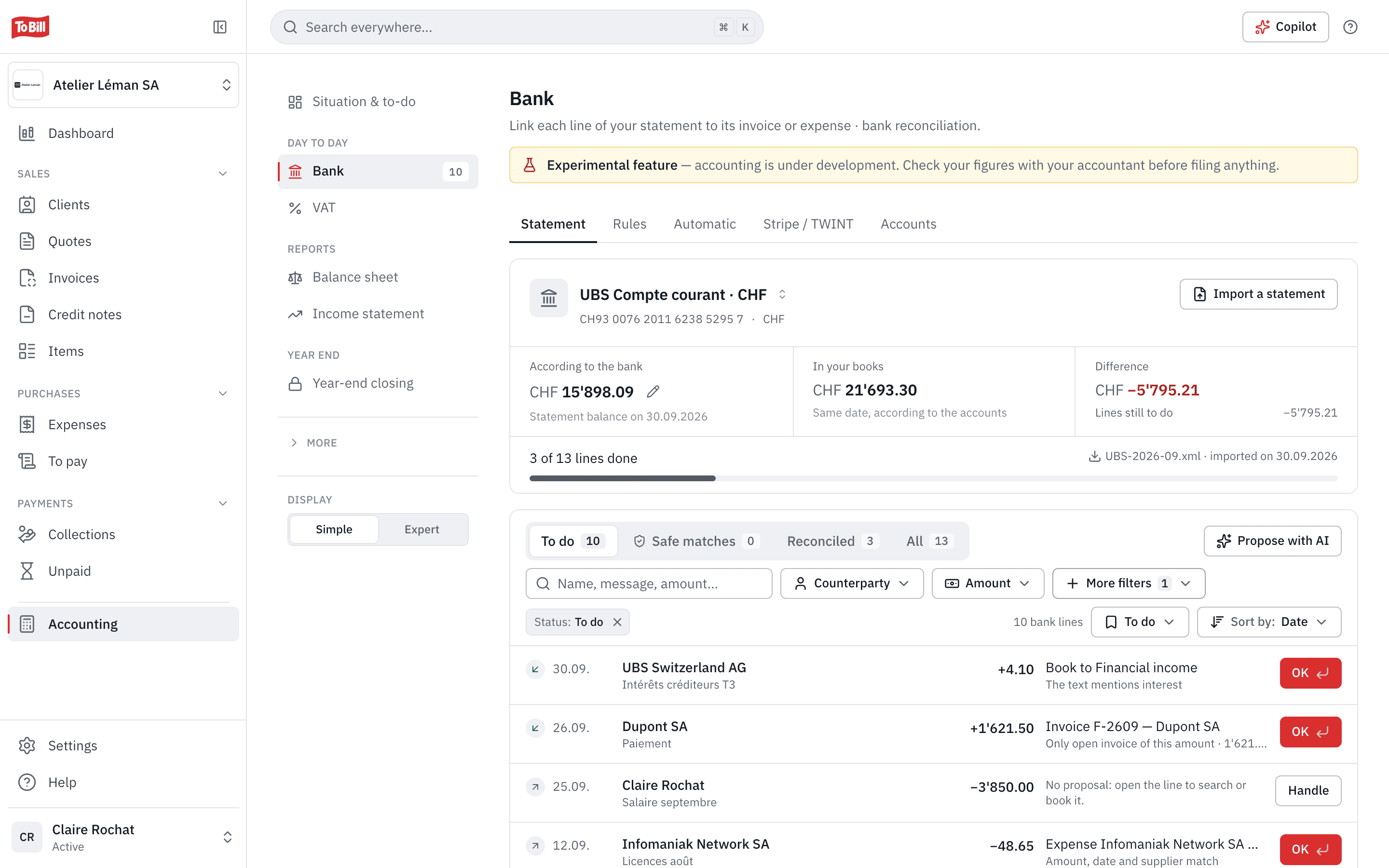
Bank
“Match my bank lines”
It goes through the statement lines still to process, finds the matching invoice or expense and books each line to the right account. A line matched wrongly? It undoes the match, and the entry that came with it.
- It creates, corrects or deletes your bank rules, so the next lines find their account.
- It compares your books with the statement, account by account, and looks for where a gap comes from.
- It records a payment received against the invoice it settles.
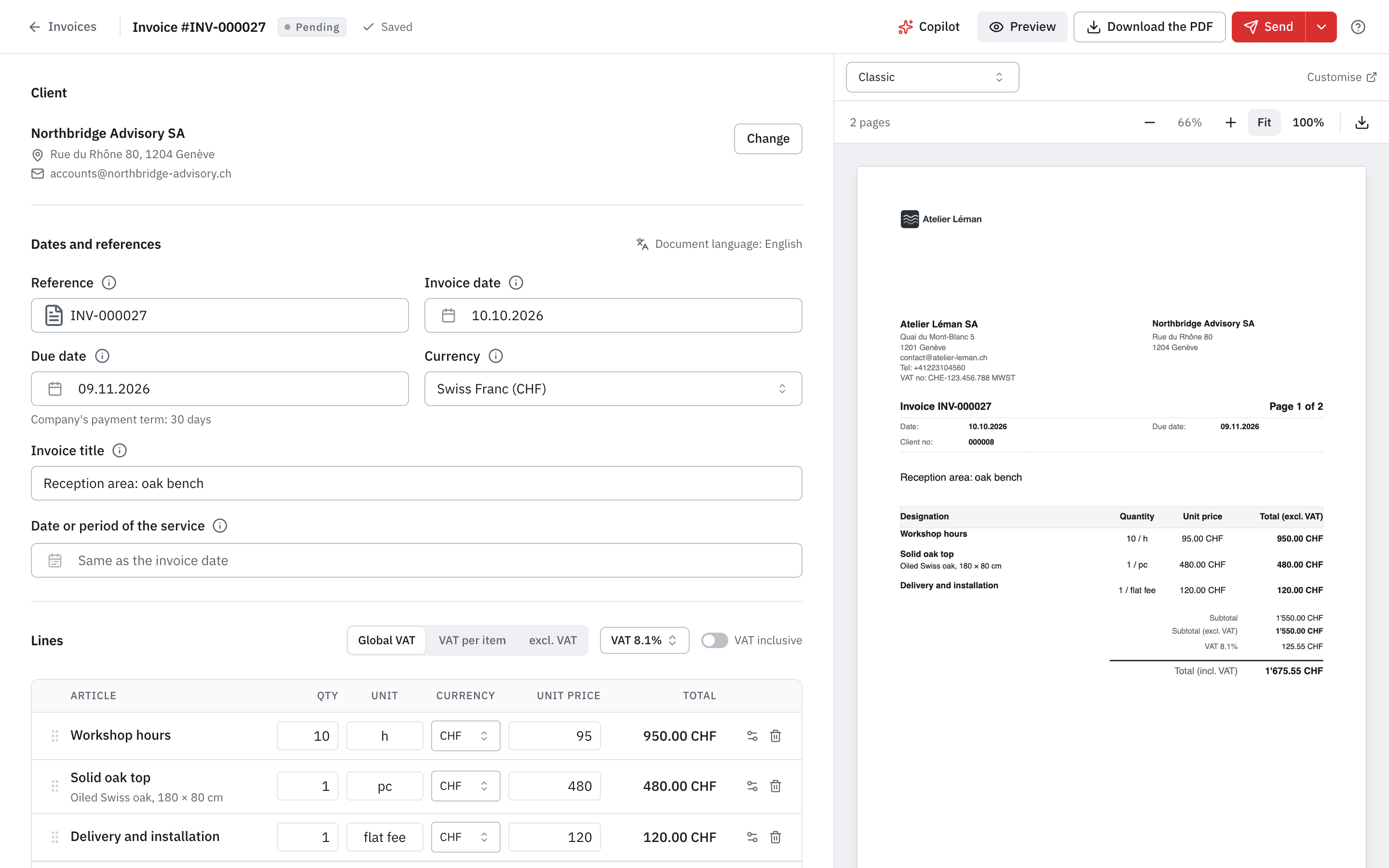
Invoices and quotes
“Draft the invoice for Boulangerie Favre”
Give it the client and the work done: it finds the client, or saves it, reuses your items and drafts the invoice or quote. You review it in To Bill before it goes out.
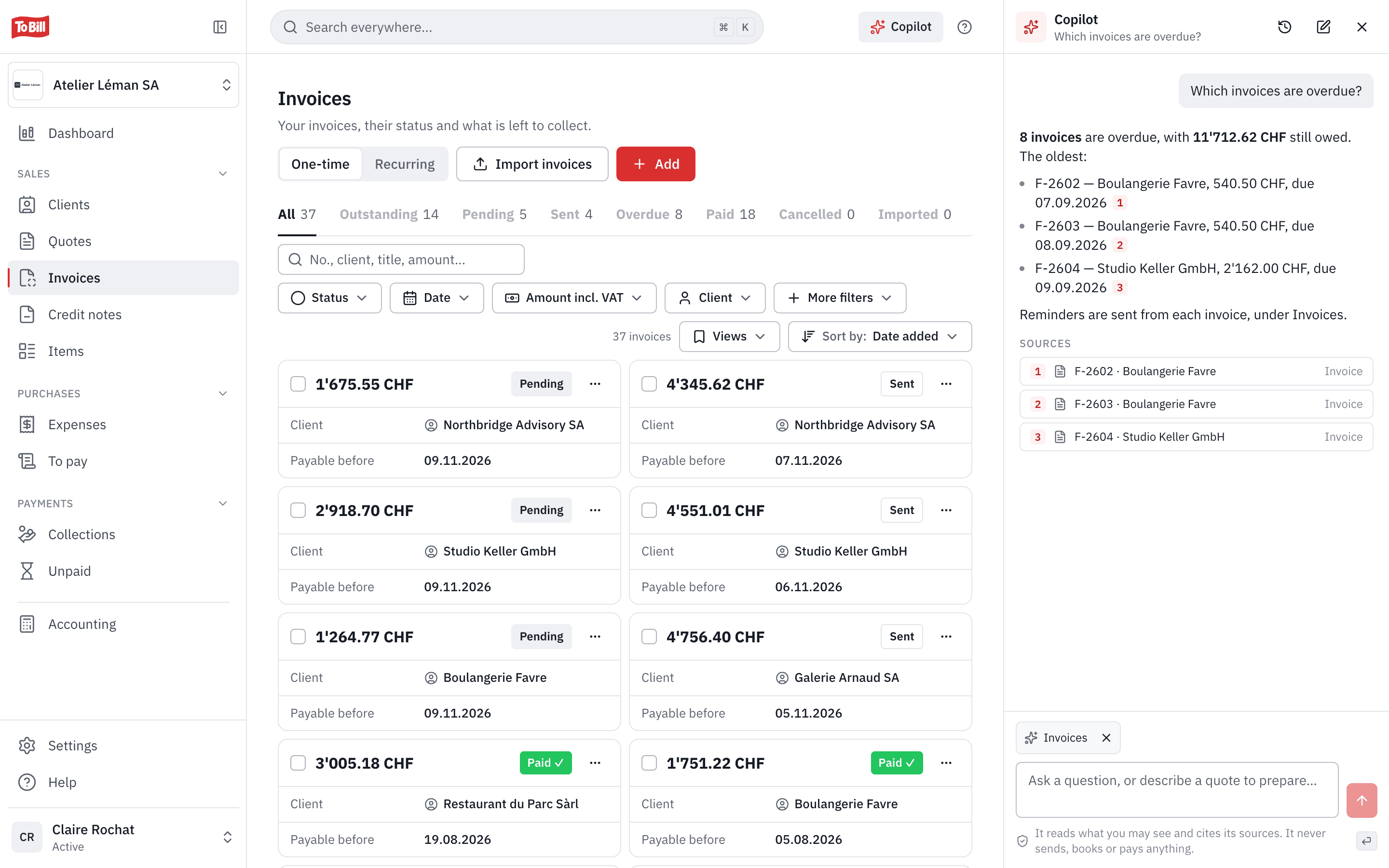
- It answers about your invoices, quotes, clients and payments: who owes what, since when.
- Send, delete or mark as paid: never in bulk. It does it one document at a time, and you confirm each one.
- For the rest of the app, generic access goes through the same checks as the interface: a sent document is never rewritten.
Connect
Connected in two steps, no install
No server to install and no API key to copy, unlike third-party connectors: your assistant opens To Bill's authorisation page (OAuth 2.1), and you choose what it may do.
Add To Bill to your assistant
On claude.ai or Claude Desktop: Customize › Connectors › Add custom connector. In ChatGPT: Settings › Apps, in developer mode. Paste the address https://app.tobill.ch/mcp.
Allow one company
To Bill's page opens: choose the company and “Read only” or “Read and modify”, then click Allow. You are connected.
In Claude Code, one command, then /mcp to sign in:
claude mcp add --transport http tobill https://app.tobill.ch/mcpEach assistant step by step, and any other MCP client: Connect Claude, ChatGPT or another AI assistant
Limits
What the assistant cannot do
Some actions stay yours, in To Bill. The connector does not open them, whatever your rights.
Pay or change the subscription
No transfer, no payment, no buying credits, no change of subscription.
Manage the team or the mail server
Inviting someone, changing a role, removing a member or touching the sending server (SMTP): no.
Act in bulk
Deleting, sending or marking several documents as paid at once: it does it one document at a time, and you confirm each one.
Download the whole company
Neither the retention archive nor the file for your fiduciary in one go.
See AVS numbers or the salary payment file
No full AVS number, no salary payment file. Of an employee's IBAN, it sees the last 4 digits.
Leave the company you chose
Neither another company nor a fiduciary's cockpit. For another company, connect it a second time.
Guard rails
Your rights, your approval, a record of everything
The assistant never has more rights than you: it works in the company you chose, with your role. Before every change, Claude or ChatGPT asks for your approval; in Claude, you can also block a specific tool.
- Every change is recorded under your name and the assistant's: “Change via Claude” in the company's activity, your name followed by “via Claude” as the author of an entry.
- “Read only”: it reads and changes nothing. You can choose it even when it asks for more.
- Revoke at any time in Settings › AI and API connections: access stops straight away. A connection left unused for 30 days stops by itself.
- The connector is hosted in Switzerland, with the application. What the assistant reads goes to its provider (Anthropic for Claude, OpenAI for ChatGPT), under its terms.
Claude, ChatGPT and your accounting: questions
Connecting each assistant, step by step, on docs.tobill.ch.
Can you do your accounting with ChatGPT?
Yes, if your accounting is in To Bill: connect ChatGPT, and it reads and corrects your books in To Bill, with your rights. Entries, VAT and the balance sheet stay in To Bill, kept by its rules: reversal rather than editing, account 2850 for a sole proprietorship's private items, no VAT without VAT registration. ChatGPT asks you to confirm every change. This is not tax advice: have your fiduciary check your figures before you file anything.
How do I connect Claude to my accounting?
On claude.ai, open Customize › Connectors, click Add custom connector, paste the address https://app.tobill.ch/mcp, then Add and Connect. To Bill's page opens: choose the company and the access, then click Allow. The connector also works in Claude Desktop and on your phone. In Claude Code: claude mcp add --transport http tobill https://app.tobill.ch/mcp, then /mcp.
What is an MCP connector?
MCP (Model Context Protocol) is an open standard that lets an AI assistant use an application's tools. To Bill's MCP server, https://app.tobill.ch/mcp, offers 42 of them: books health, bank lines, entries and reversals, general ledger, balances, bank rules, expenses, accounts, financial years, clients, draft invoices and quotes, payments, and generic access to the rest of the app, with the same checks as the interface.
Do I need to install anything or copy an API key?
No. The connection uses OAuth 2.1: your assistant opens To Bill's authorisation page, you sign in as usual and choose the access. Unlike third-party connectors, there is no server to install and no token to copy. For a script or a tool without that page, To Bill offers personal API keys, “Read only” or “Read and modify”.
Can the assistant change my data without my approval?
Claude and ChatGPT ask for your approval before every action that changes your data, and with “Read only” it cannot change anything. It pays nothing, does not act in bulk, and corrects by To Bill's rules: a posted entry is reversed, a filed VAT period stays closed. Every change is recorded under your name and its own, and you revoke access in one click.
Does my data go to OpenAI or Anthropic?
Yes: what the assistant reads to answer you goes to its provider (OpenAI for ChatGPT, Anthropic for Claude), under that provider's own terms, which you accept with it. To Bill sends it nothing on its own initiative: just what you ask for, within what your rights let you see. The connector itself is hosted in Switzerland with the application. The details are on the “AI in To Bill” page.
How is it different from the To Bill Copilot?
The Copilot is the AI built into To Bill: included in the subscription, it replaces names with codes before sending and books nothing. The connector serves the assistant you bring, with your Claude or ChatGPT account: it sees names in clear and, if you allow it, corrects your data, with your approval each time.
Is the connector included in the subscription?
Yes, at no extra cost, on every To Bill subscription. You also need a Claude or ChatGPT account that accepts custom connectors: depending on your ChatGPT plan, developer mode is required, and in a workspace, its administrator's approval.
I use bexio: can I use Claude or ChatGPT with To Bill?
Yes. Export your data from bexio: To Bill takes over your contacts, products, invoices still open and your trial balance, with a preview before anything is saved. Then connect your assistant to To Bill in two steps. The import, step by step, is on the “Switch from bexio” page.
Get started
Connect your assistant to To Bill
Create your account, add https://app.tobill.ch/mcp in Claude or ChatGPT and ask it to check your books health. 7-day free trial, no commitment.
Included in the subscription · No install, no key to copy